Export as PDF · Open in the beta
Present your plan to your client without extra tools.
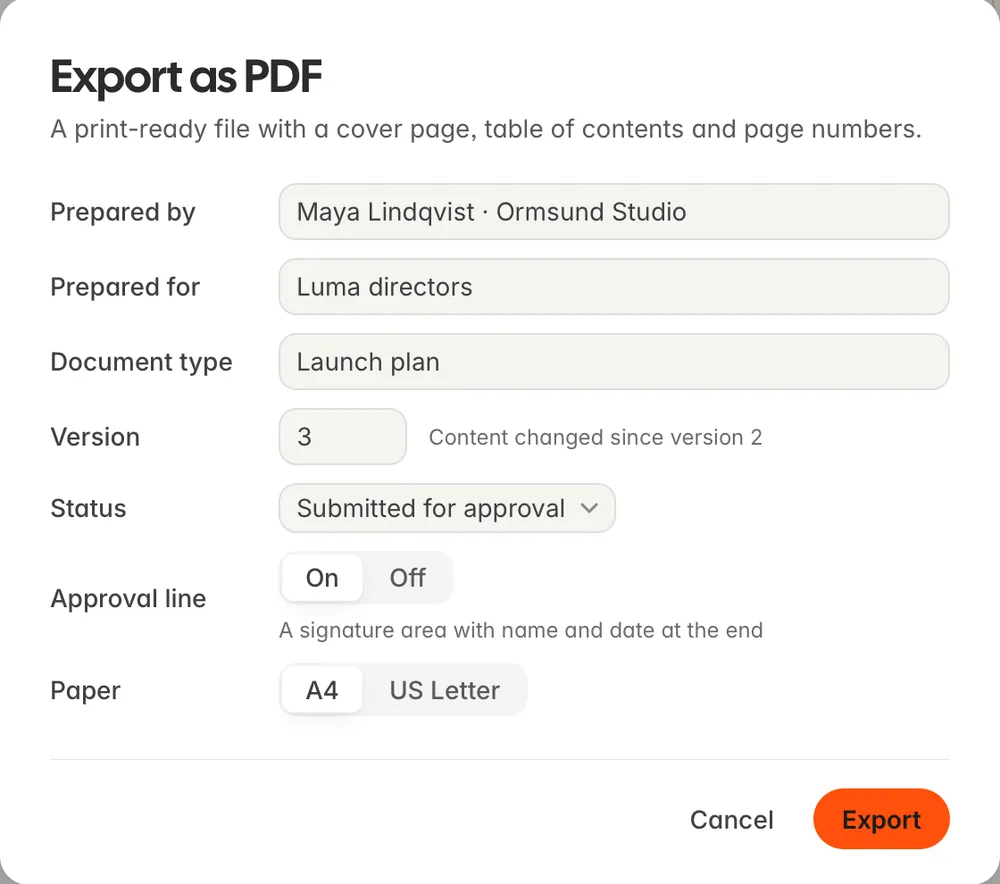
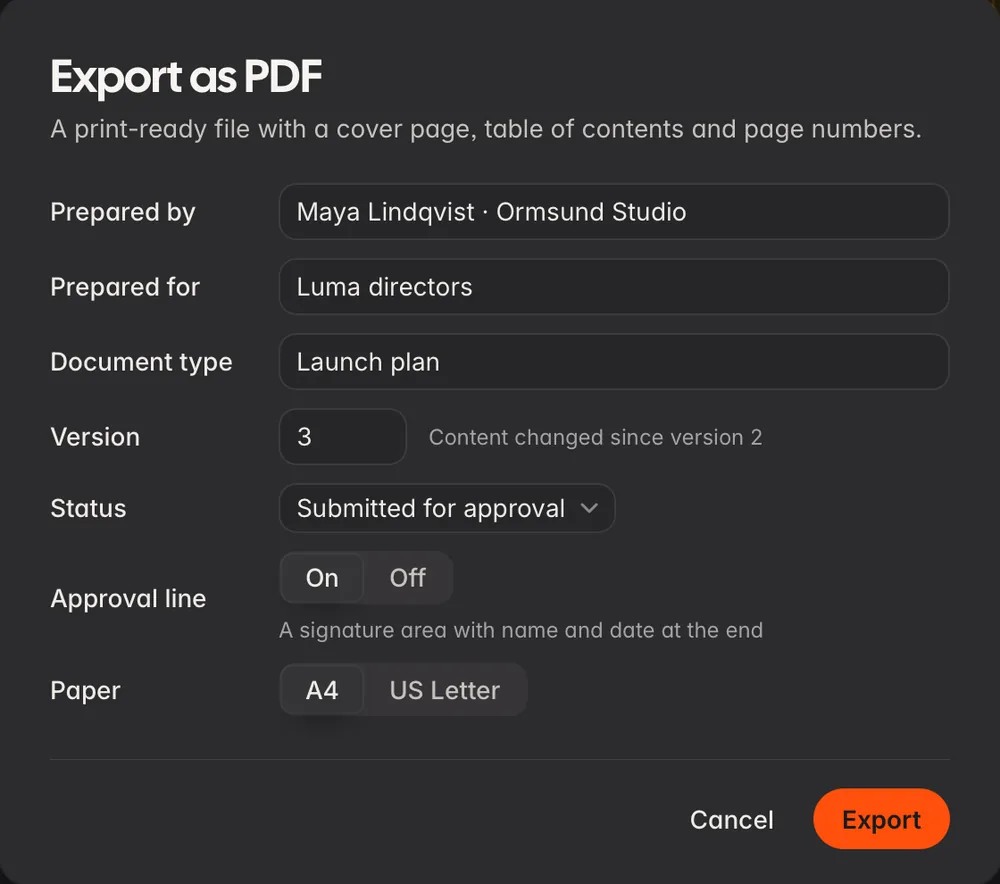
Prepare your document the way you want. Laypen sets it as one print-ready PDF file, with a cover, contents, page numbers and an approval line. You can make this file yourself with Beta 0.9.3.
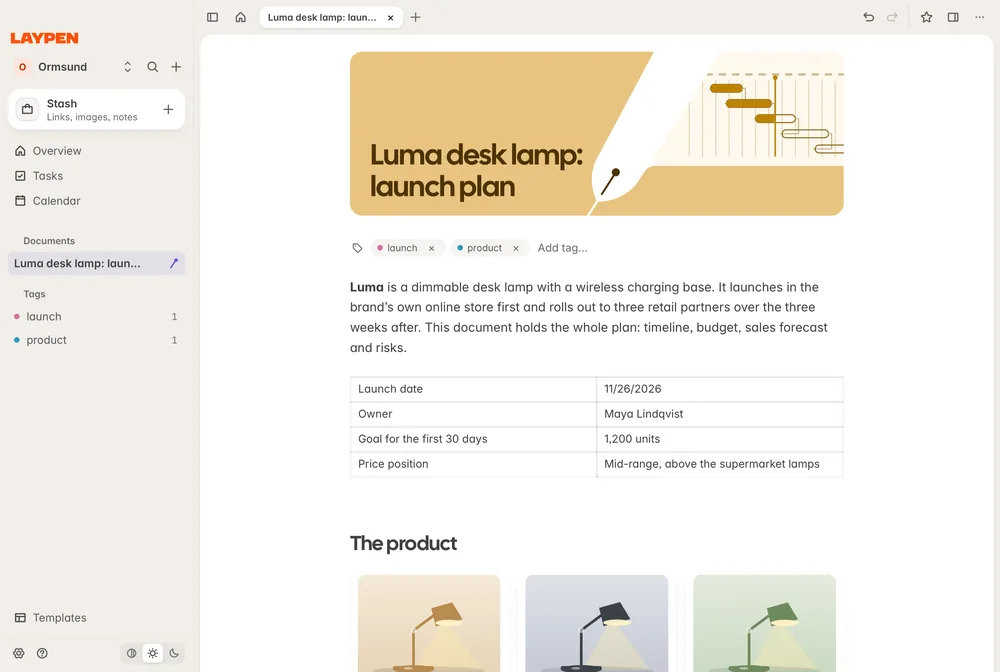
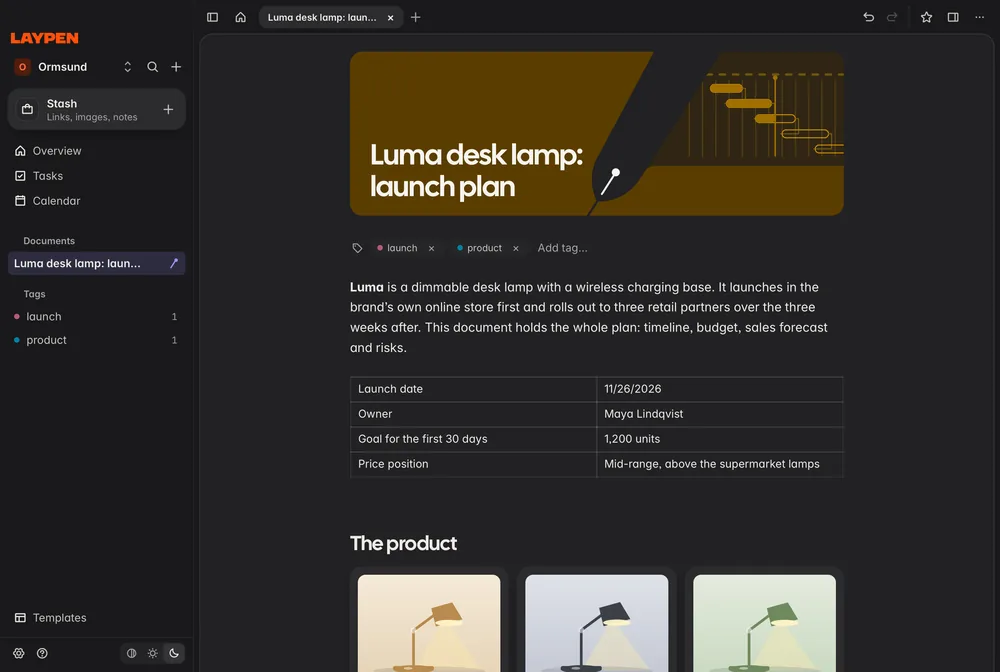
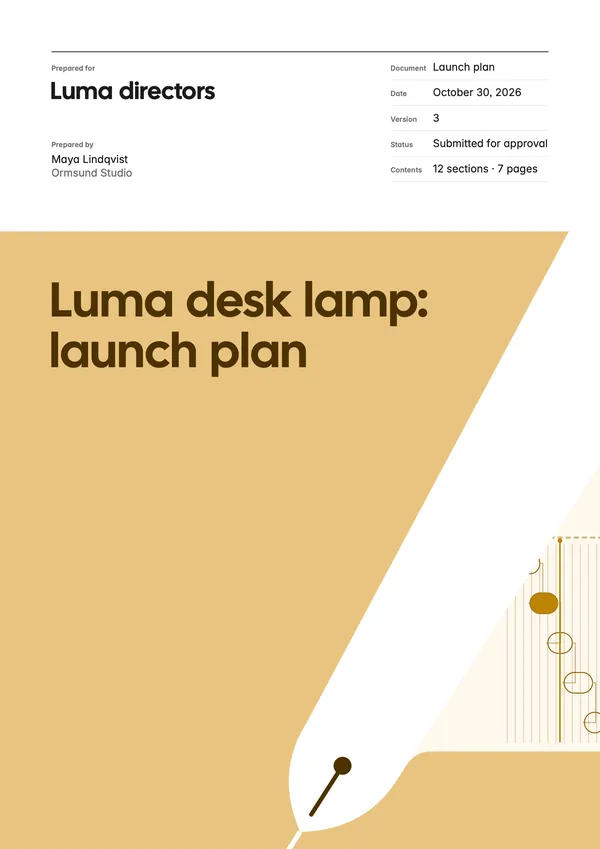
Your client sees who the plan is from on the first page.
Your client sees at a glance who prepared the plan, who it’s for, its version and its status.
You don’t have to deal with pagination.
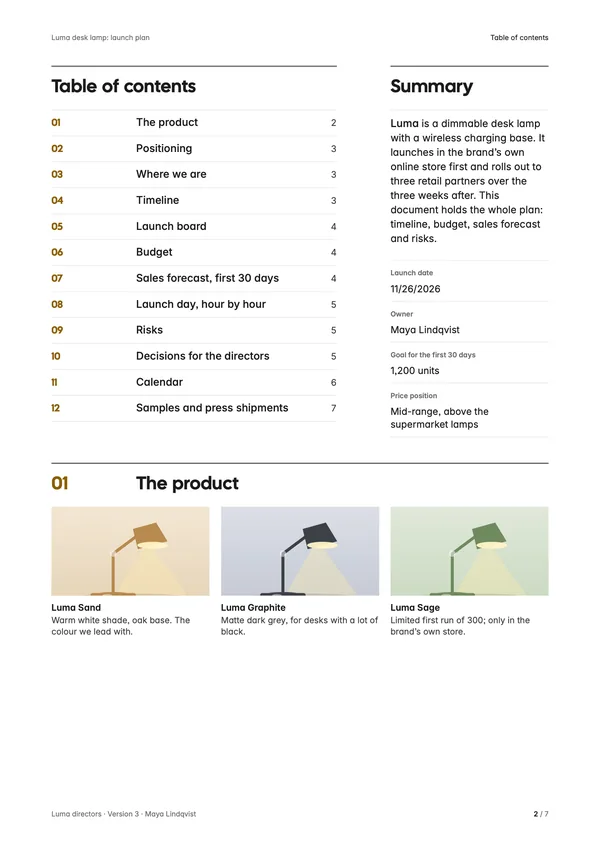
Sections go into the contents page and become bookmarks in Preview. No heading is left alone at the bottom of a page. Your client can select the text and search it.
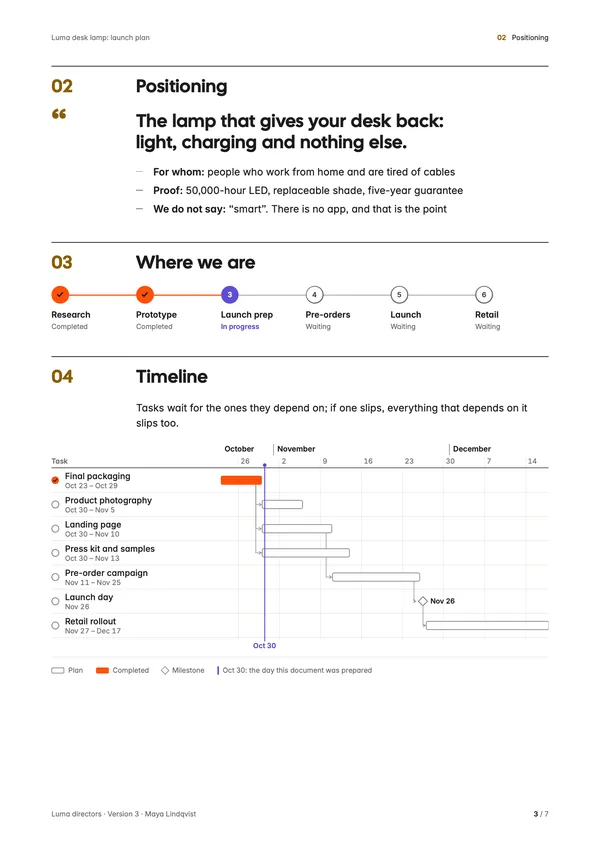
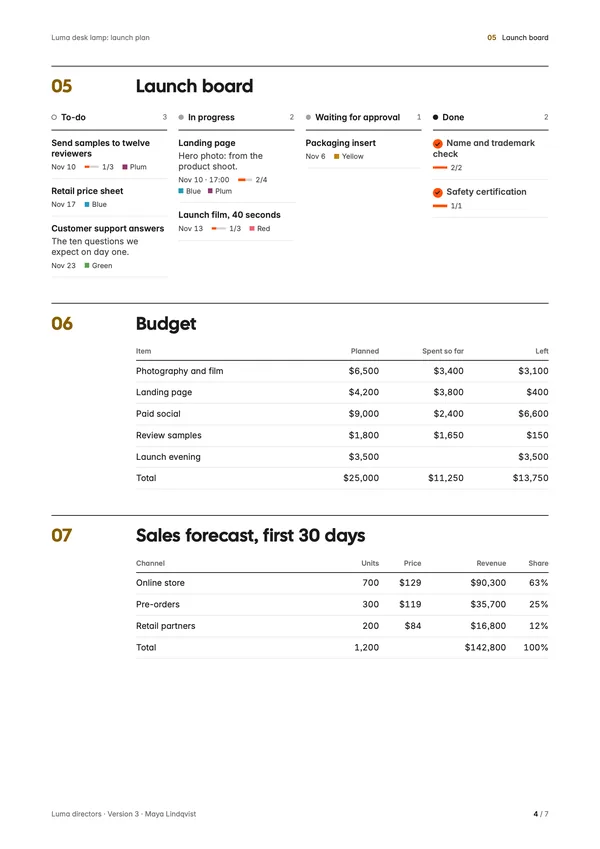
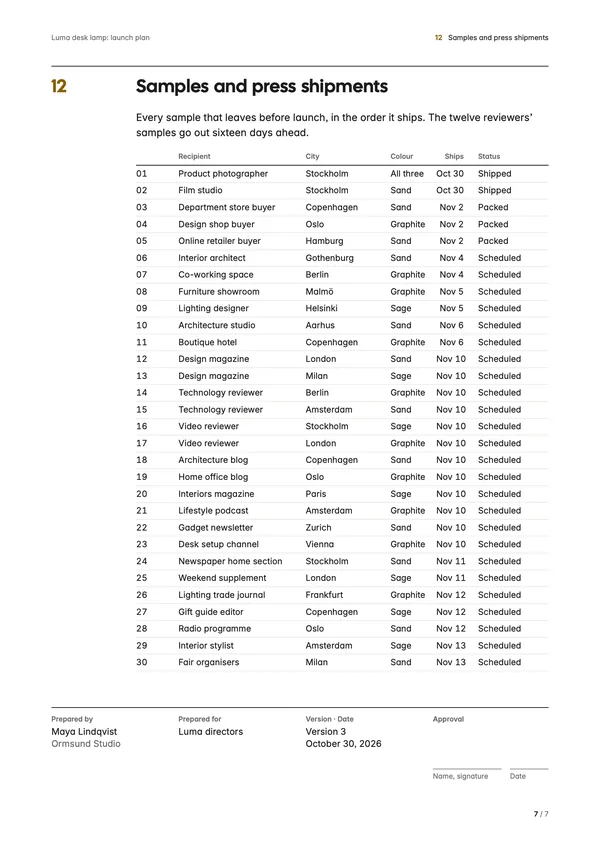
Your client gives their approval on the last page of the plan.
The last page says who the plan is from, who it’s for, its version and its date. Beside that is space for a name, signature and date. You can turn the approval line off.
Fill in the colophon and export your plan as one file.
Choose A4 or US Letter.
See every page your client will see, unretouched.
This is real output (7 pages, 453 KB): the launch plan Ormsund Studio prepared for the Luma directors.
Plan your project in Laypen and present it with no other tools needed.
The beta is free for 90 days. We’ll email you the download link.